Summary
MachMotion's 2000 series control lets shops add their most-used functions directly to the main dashboard, so operators can simplify and automate their workflow instead of digging through generic menus.
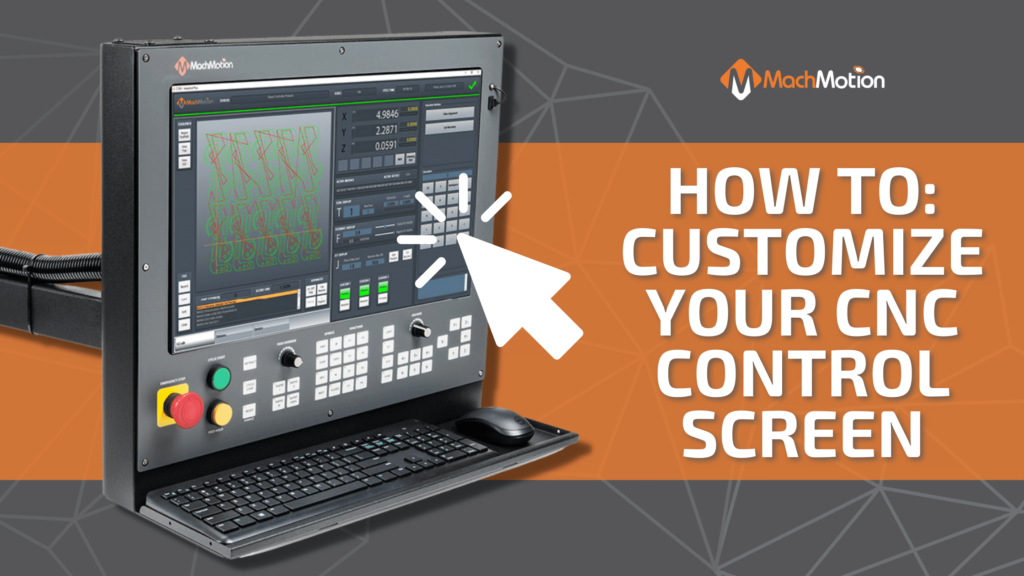
Customize your CNC control to make it work for you! MachMotion’s 2000 series control allows you to simplify and automate your process by adding your most-used functions to the main dashboard. When you upgrade your CNC machine with a MachMotion control, you get to keep the machine you’re already familiar with, while enjoying the benefits of having the latest technology. Watch the video to see how you can customize your cnc machine control in a couple of clicks!
You can customize your CNC control screen by right-clicking and selecting “Dashboard Configuration.” From here, you can choose from the following options to add new widgets to your dashboard:
If you are interested in upgrading your CNC controls, you can learn more by clicking here!
Next Step
Tell us what you're running and what's failing. We'll give you a straight answer: retrofit, repair, or replace, before any money changes hands.