Summary
MachMotion's online documentation is accessible directly from the CNC control in a simple two-click process, so operators can find reference material without leaving the machine or contacting support.
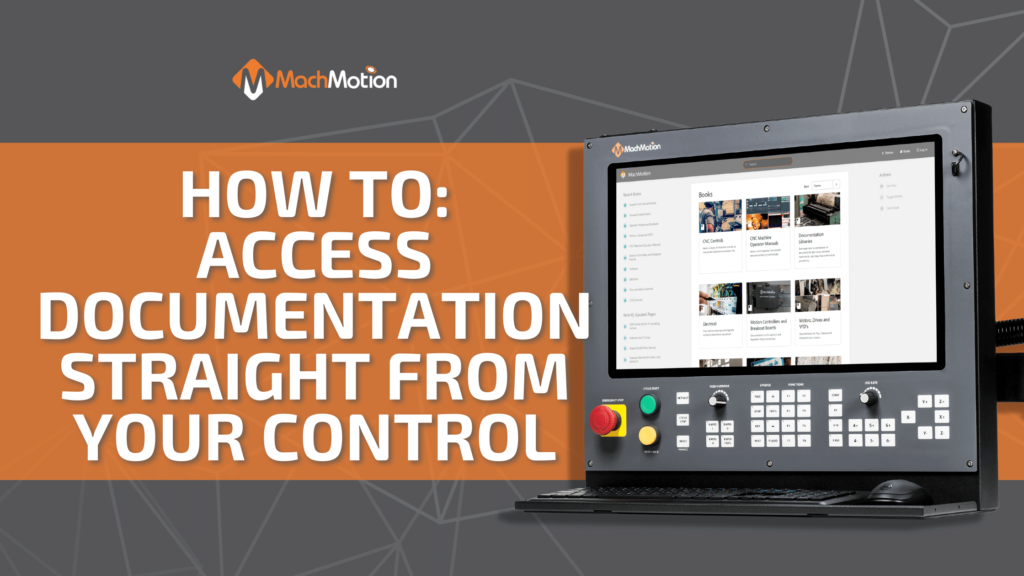
Accessing MachMotion’s online documentation from your CNC control is as simple as a two-click process.
Watch the video for a visual tutorial! Our CNC controls are designed with the operator in mind. This is why all of our documentation is just a few clicks away and accessible from the controller. If you have any questions, you can always give us a call at 573-368-7399 and we would be happy to assist you.
As a commitment to making sure production never stops, MachMotion’s customer service is world-class. The highly trained professionals at our company are ready to assist you without long wait times or automated systems. If you explain what you need, someone who understands and can provide you with the answers you need will be able to assist you promptly. Contact us today at the form below to take the first step toward eliminating your CNC machine problems.
Next Step
Tell us what you're running and what's failing. We'll give you a straight answer: retrofit, repair, or replace, before any money changes hands.