MachMotion
Blog Technical

How To File Resume On A MachMotion Controller

MachMotion · October 10, 2022
How To File Resume On A MachMotion Controller

Summary

MachMotion's cut recovery and file resume features let operators restart directly in the middle of a program after an interruption like a broken tool, instead of losing all the machining time already completed.

Learn how to file resume on a MachMotion control because breaking a tool doesn’t have to mean sacrificing hours of machining.

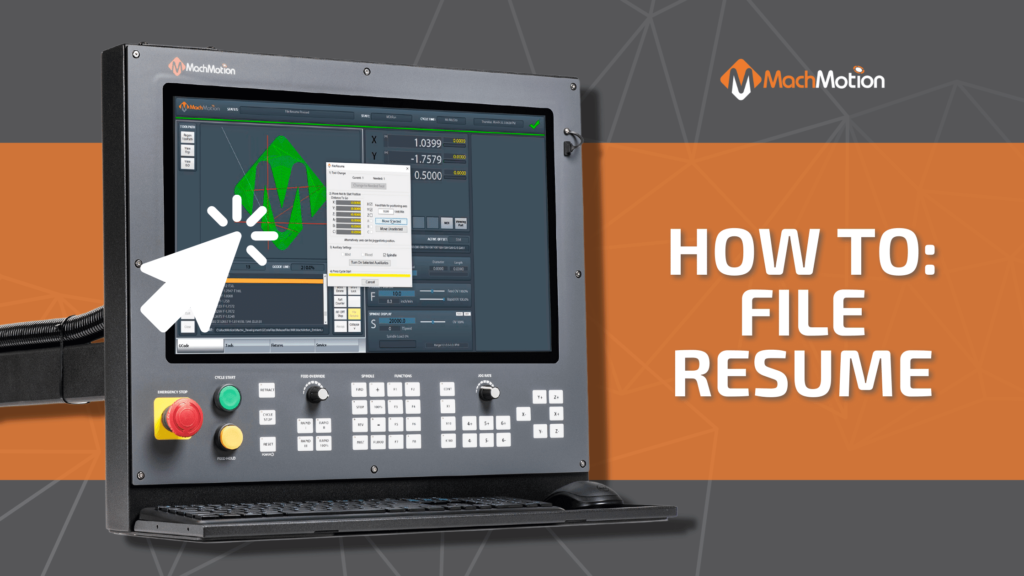
There are times when accidents happen, and that’s okay. Breaking a tool doesn’t mean you have to lose all the hours you just spent machining. With MachMotion cut recovery and file resume features, you can start directly in the middle of your file!

How To File Resume

  • First, select which line of code you want to start from. The safest line to choose are the lead-ins to a cut. W hen you select a line the previous lines turn white in the tool path so you can see which lines have already been machined.
  • After selecting the line, open the file or zoom page through the screen. The control will calculate what position the machine should go to as well as the tool and the spindle selections.
  • Once you have the correct tool, choose which axis to move into position. In the video example, z is safely above the material so we start with x and y.
  • Then, with all axes in position, turn on the spindle.
  • Now, that the machine is in position for starting the g-code, press cycle start and your file will resume!

Watch the video for a visual tutorial on how to file resume. 

If you’re interested in a controller upgrade for your cnc machine, click here!

Next Step

Is your machine a retrofit candidate?

Tell us what you're running and what's failing. We'll give you a straight answer: retrofit, repair, or replace, before any money changes hands.