Summary
MachMotion's jet cut recovery feature lets operators recover a waterjet's cutting path after an interruption, helping maintain cut precision instead of restarting the job from scratch.
Jet cut recovery is easy on our CNC controllers. When you’re looking to upgrade, get a control that works for you! Our intuitive control makes it easy to recover your waterjet’s cutting path when the cycle is interrupted. This feature will help ensure maximum precision with every cut.
Watch the video for a visual tutorial on how to do jet cut recovery!
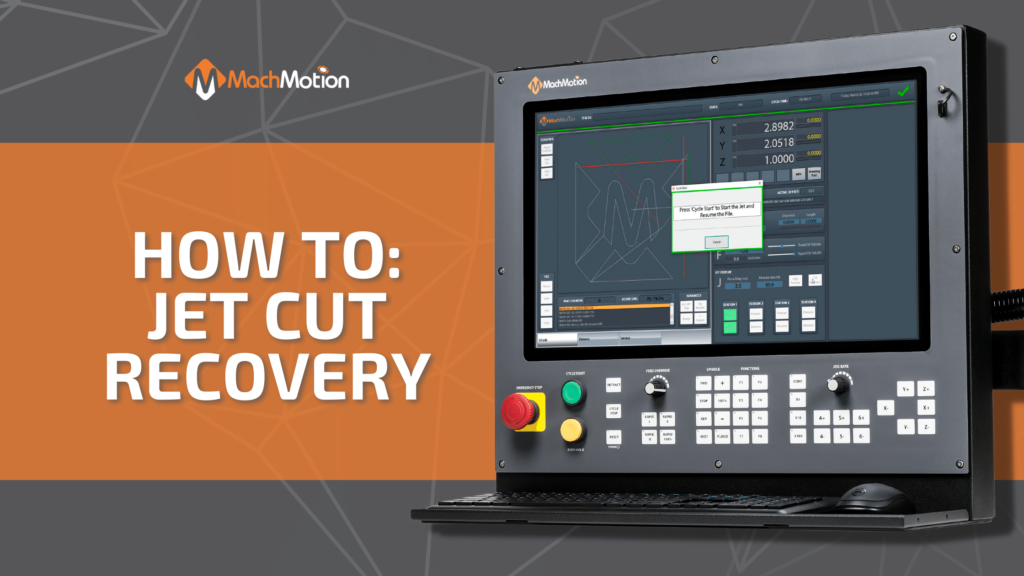
Let’s do a quick demonstration of how easy it is to do a cut recovery process on a MachMotion waterjet. We’ve got our logo here that we are working on and we press stop and now we want to recover. To do so, we jog the machine close to where we want to start. We can see on the tool path the thick red lines are where the machine is and the green lines indicate the planned path. We just need to be kind of close not exact.
Then, we press this cut recovery button here and the machine will get on path. You can see it does a quick calculation to decide the closest path to jump to which is why we don’t have to be exact we have our jet station selected we are only cutting that with head one for this one so we are good to go. Press cycle start and run.
If you are interested in learning more about a controller upgrade for your CNC machine, click here!
Next Step
Tell us what you're running and what's failing. We'll give you a straight answer: retrofit, repair, or replace, before any money changes hands.